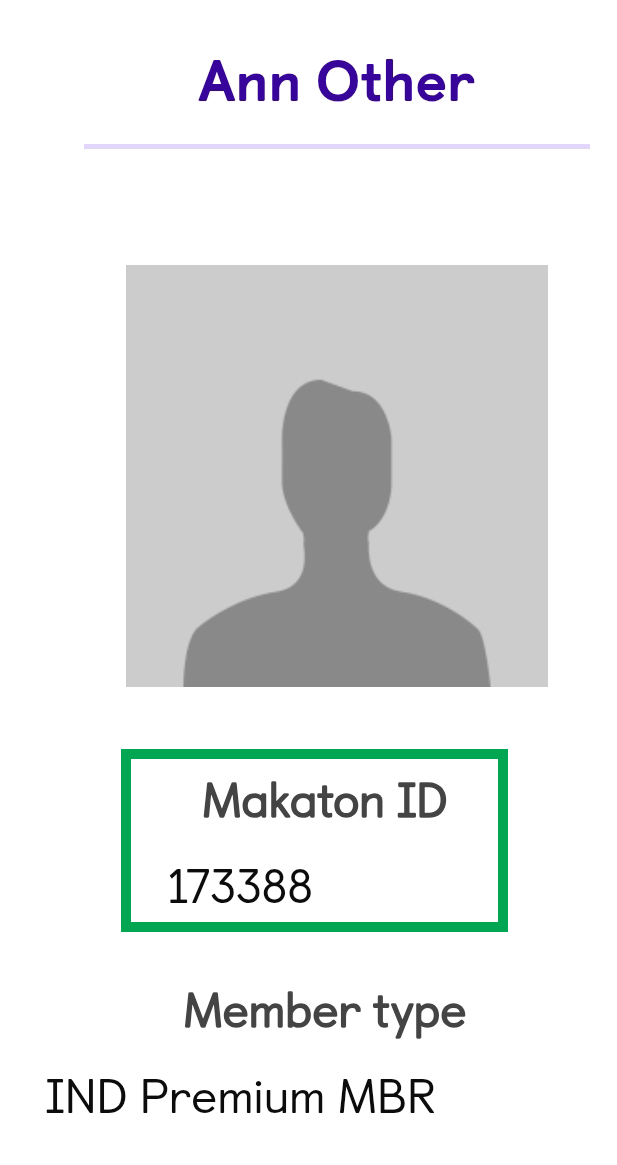
Your Makaton ID is your unique identifier on the Makaton website. It is automatically assigned when you create a new account. We may ask you what your Makaton ID is if you contact us. If you are a Trainer or Tutor for Makaton this will replace your previous Tutor number. You cannot change your Makaton ID.
How to find your Makaton ID on a computer
Step 1: Go to the Makaton website, makaton.org, and click on Sign in

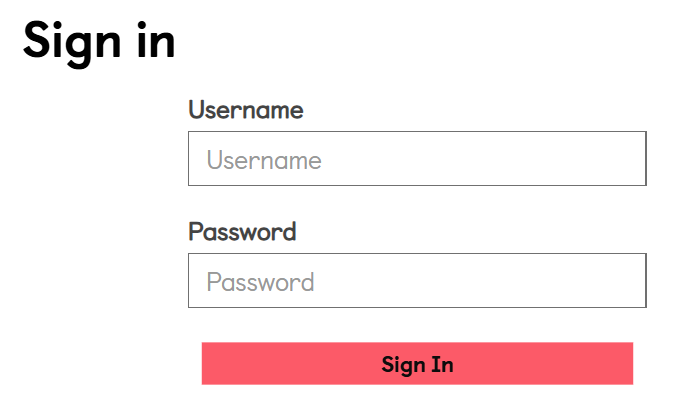
Step 2: Type in your username and password and click on Sign In
Step 3: Click on your name on the yellow button

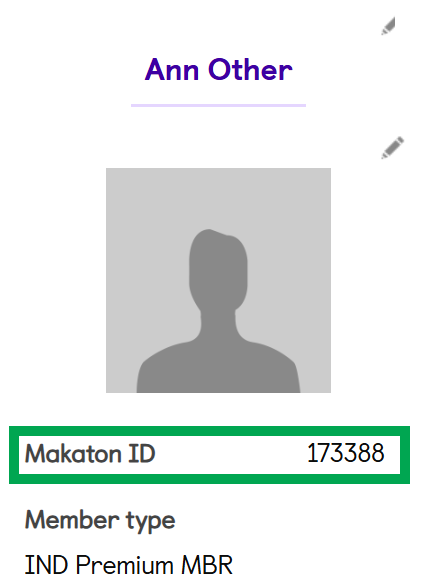
Step 4: Scroll down the page. You can see your Makaton ID in the left column, underneath the image
How to find your Makaton ID on a mobile
Step 1: Go to the Makaton website, makaton.org, and tap on the Sign in icon:
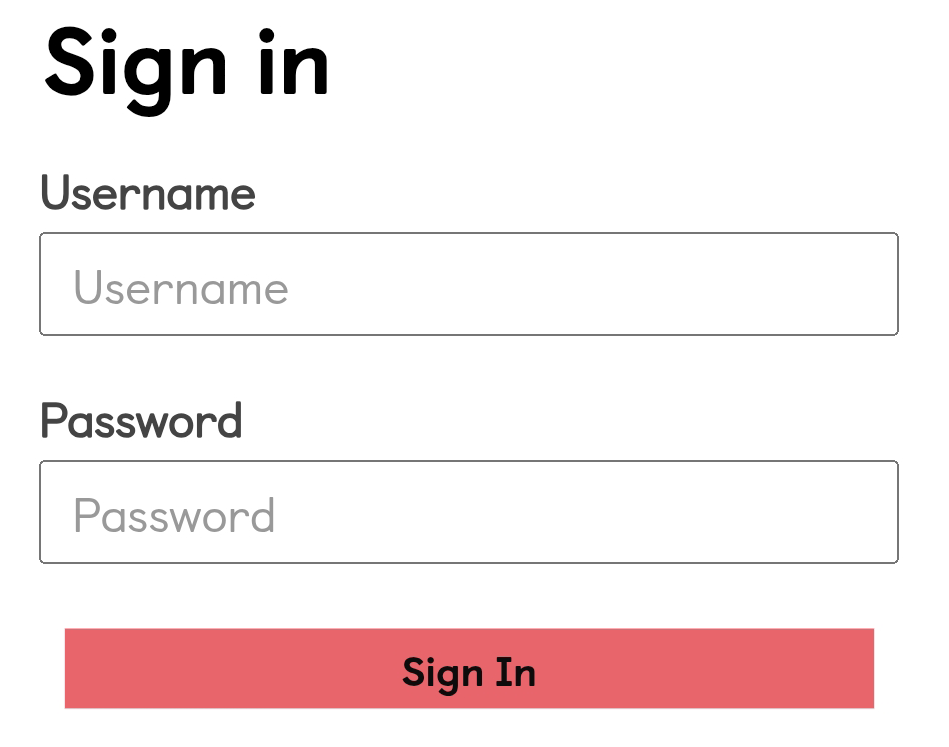
Step 2: Type in your username and password and tap on Sign In
Step 3: Tap on the burger menu icon: 
Step 4: Tap on My Account on the dropdown menu:

Step 5: Scroll down the page. You can see your Makaton ID in the left column, underneath the image