
How to download the Joining email for the Evaluation form?
Step 1: Sign into your Tutor account and select the ‘Library. If you haven't activated your account yet please follow the instructions for ‘Tutors How to activate your account’.

Step 2: Search 'joining email' in the search bar andd press enter or press the blue icon at the right of the search bar.

Step 4: The joining email will appear in the search, click on the image of the joining email.
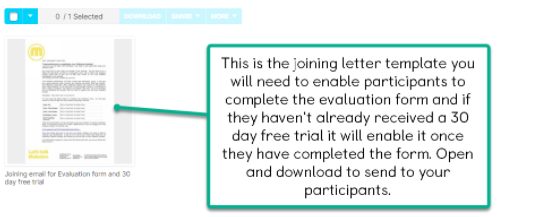
Step 5: Select download to save it to your device. Take note of the useful information provided on this page.
