
If you need any further support, or if you’re unable to see the Tutor Folder within the Library, please get in touch with us at tutors@makaton.org.
Our team will be happy to help and talk you through access if needed.
Screenshots are included below to guide you step by step.
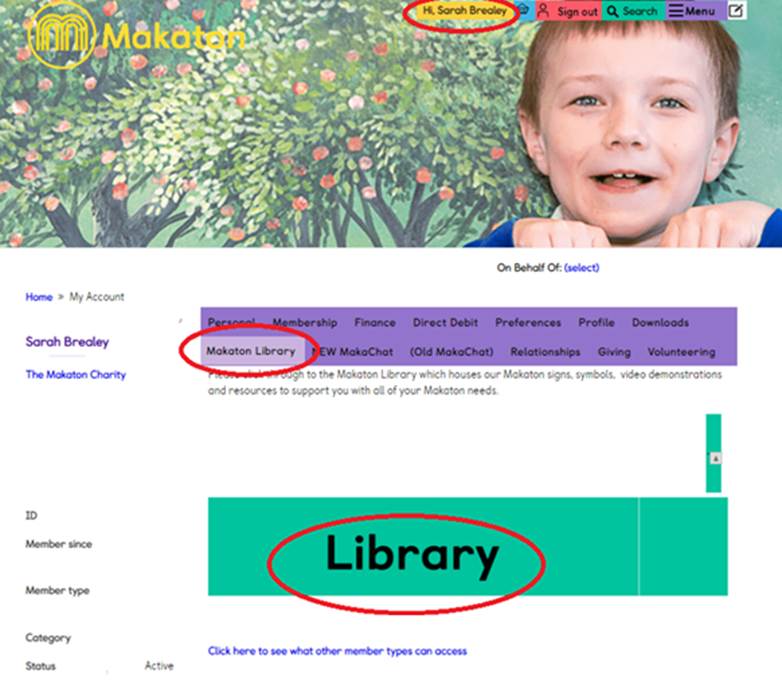
To find the Library click on your name in the top right hand corner, once logged in, and then to the Makaton Library tab on the purple bar, and make sure you then click on the green Library button.
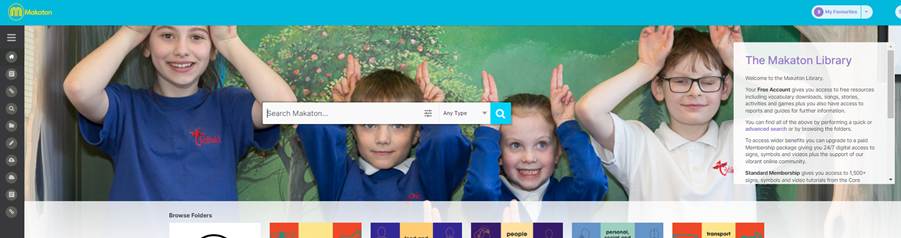
You will then enter the Makaton Library.
The Tutors folder contains all the resources for your training.
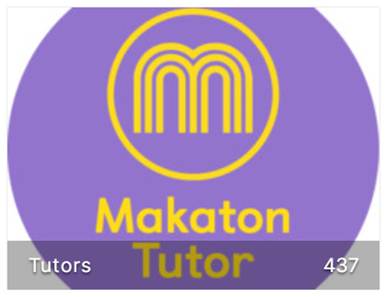
Within here there are sub-folder for each Level.