
How to Access Your Widgit Discount Code
If you are an eligible Makaton Tutor, Premium Member or Founder Member, you can access your Widgit discount code by following the steps below.
Step 1: Log in to Your Makaton Account
Visit the Membership Portal and log in using your registered email address and password.
Step 2: Go to the Membership webpage
Navigate to the Membership section within your account area.

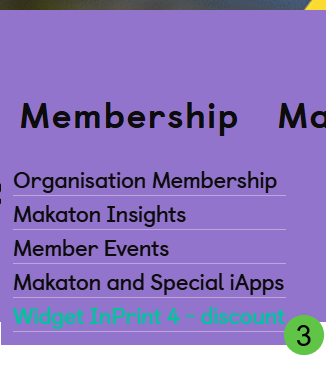
Step 3: Locate the Widgit Discount
Scroll to find the Widgit – Makaton Symbols Add-On (InPrint 4) benefit.
Your discount code and instructions on how to redeem it will be displayed there once selected step 3 below.
Need Support?
If you cannot see the benefit listed, please check that your membership is active and up to date.
If you are still experiencing issues, contact help@makaton.org and include:
The email address linked to your account
Your Makaton ID (where possible)
The team will be happy to help.